
To modify the Actions using Rules Manager:
1. Follow the steps in Modifying Rules to edit the Rule.
2. For modifying Actions, click Add in the Action field.
3. Select Action Type that you wish to edit from the dropdown menu.
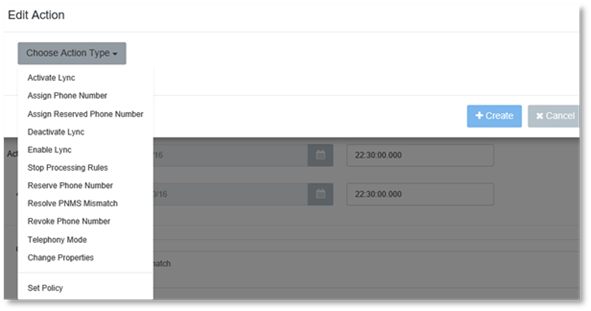
4. Edit the Action Type.
5. Click Create.