 .
.
1. Click Change Properties.
2. Select one of the following options from Add a Change drop down menu.
- Update a Property with a new Value
To Remove a Property’s value:
1. Select Remove a property’s value.
2. Click
.
3. Select Intrinsic or Custom.
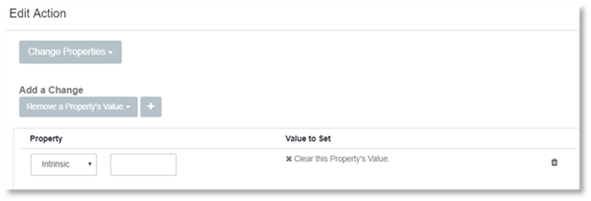
4. Enter the name of the property to remove in the empty field.
5. Click Create.
Update a Property with a new Value
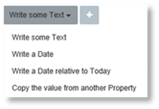
To update a property with a new value:
1. Select the task from the drop down menu
2. Click
 .
.
3. Select Intrinsic or Custom.
4. Update the property.
5. Click Create.