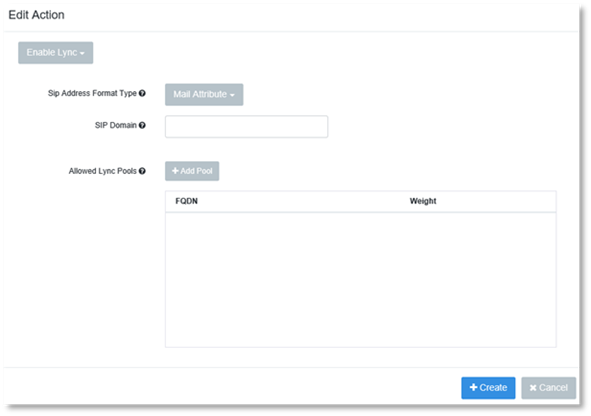
1. Click on Enable Lync.
2. Select the SIP Address Format Type you wish the Action to use.
3. Optional: Enter the SIP Domain you wish the Action to use.
4. Click Add Pool to add a FQDN Pool.
5. Enter the FQDN you wish to add.
6. Enter the weight you wish to give the FQDN pool.
7. Click Create.