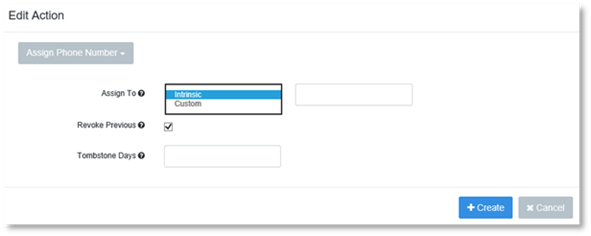
1. Click Assign Phone Number.
2. Select Intrinsic or Custom in the Assign To field.
3. Optional: In the second field, enter the name of the property where the assigned phone number is to be written.
4. Select Revoke Previous, if you wish to revoke the previous phone number the Action applies to.
5. Enter the number of Tombstone days in the Tombstone Days field.
6. Click Create.