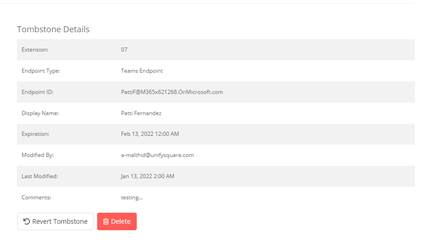
To revoke an allocation assignment:
1. Follow the steps in adding a phone number reservation to display the phone number details.
2. Select Revoke.
3. Enter the date that you want to tombstone the phone number until.
4. Select Revoke.
NOTE:
If DID Management is enabled for the platform it will be revoked from the user.
The phone number status is now tombstoned.
NOTE:
The tombstone state will expire after the specified date and the phone number will become available again.
If it is necessary to reuse the phone number right away, we recommended that you delete the tombstone or set the tombstone expiration date to 1 day and wait for 24 hours for the phone number to become available again.