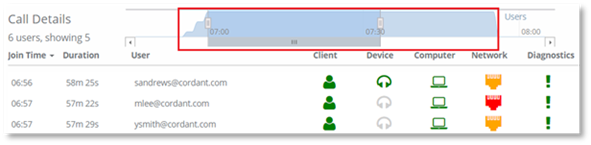
When a conference is selected from the Call History list, the Attendee Timeline is displayed for the full length of the conference, indicating when participants join and leave the conference.
The section of the timeline that is highlighted by default, is the period of time when the user that was selected from the Call History list was an attendee of the conference.
Example:
A conference started at 10.01 and ended at 11.06. User A joined the conference at 10.20 and left at 10.40, the highlighted section would display for the 20 minutes that User A was a member of the conference.
The time period provides details of the conference attendees that were actually participating in the conference during that selected time period. Only those users who were attending the conference between the time when the selected user joined and left the conference, would affect that users call quality.
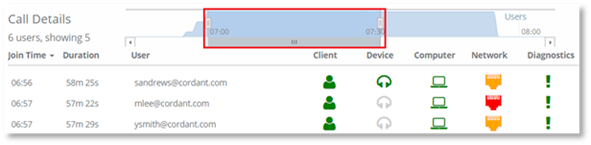
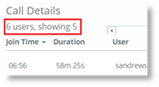
The number of users participating in the conference during the selected time period are displayed in the Call Details. In the example, you can see that 6 users in total participated in the conference, however, during the highlighted time only 5 users were participating in the conference.
If you wish to view a different period of time within the conference, the highlighted section can be changed by dragging the highlighted area. The users participating during that time will be displayed.