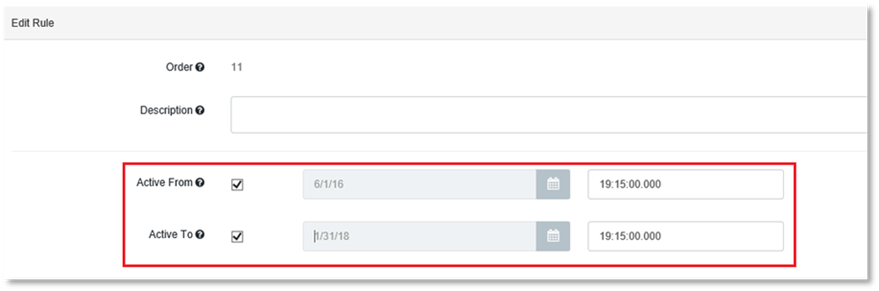
A date range may be configured for any Rule, specifying the date the Rule is active. If the current date is outside of the specified date range, the Rule is ignored. Providing a start and/or end date is optional. Either or both of the values can be omitted.
To modify the date range using Rules Manager:
1. Follow the steps in Modifying Rules to edit the Rule.
2. For modifying date ranges select the Active From, Active To or both as necessary.
3. Complete the dates.
NOTE:
If Active From is not selected, the Rule becomes effective immediately. If Active To is not selected, the Rule is applied indefinitely.