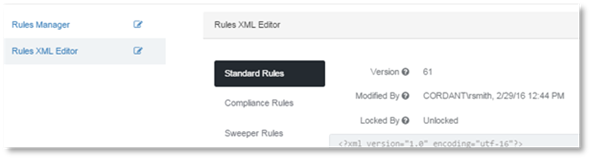
Rules in XML format can be created in an external editor and copy-pasted into the Rules XML Editor.
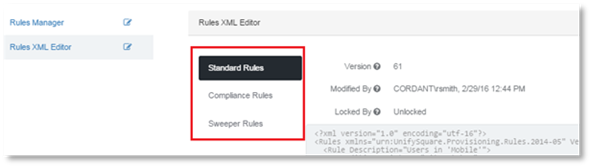
1. In Rules Manager, select the Rules XML Editor for the Rule type to input.
2. Standard Rules will be selected by default.
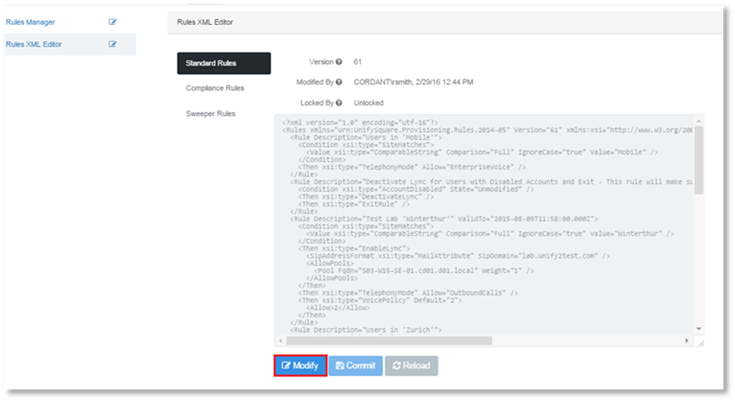
3. Click Modify.
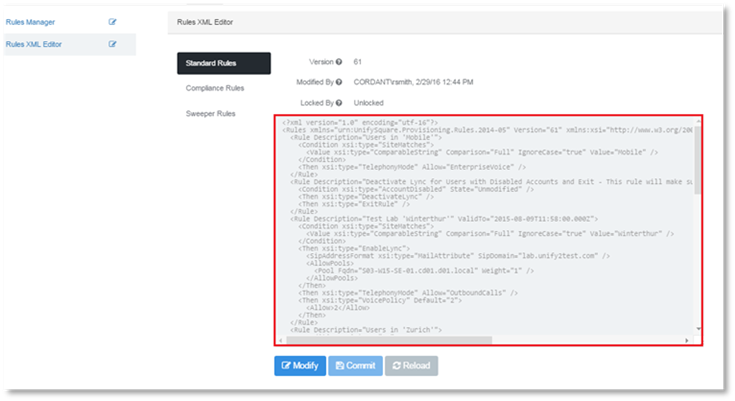
4. Copy the Rules that have been created in XML format to the text window.
5. Click Commit.