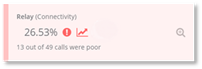
.
.
To view data as a prioritized list click .
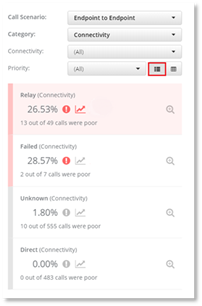
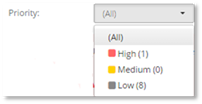
The data by default will display in a prioritized list of Poor Call cards with the highest priority at the top of the list. To display only high, medium, or low priority data cards, select the required priority filter.
Clicking on a data card displays a chart for that particular
Poor Call card. Click on  to
provide further granular information.
to
provide further granular information.