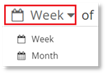
To select the date range for the data you wish to view:
1. Using the inline menu, select either Week or Month, to view the data by week or month.
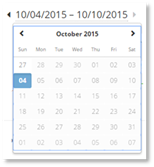
2. Select the specific time period you wish to view.
NOTE:
The time period runs Sunday to Saturday UTC.
The time period will display at the top of the dashboard. The dates can also be chosen by selecting the arrows adjacent to the date.
